Overview
What Is an RFID Blocking Card Clash Protector?
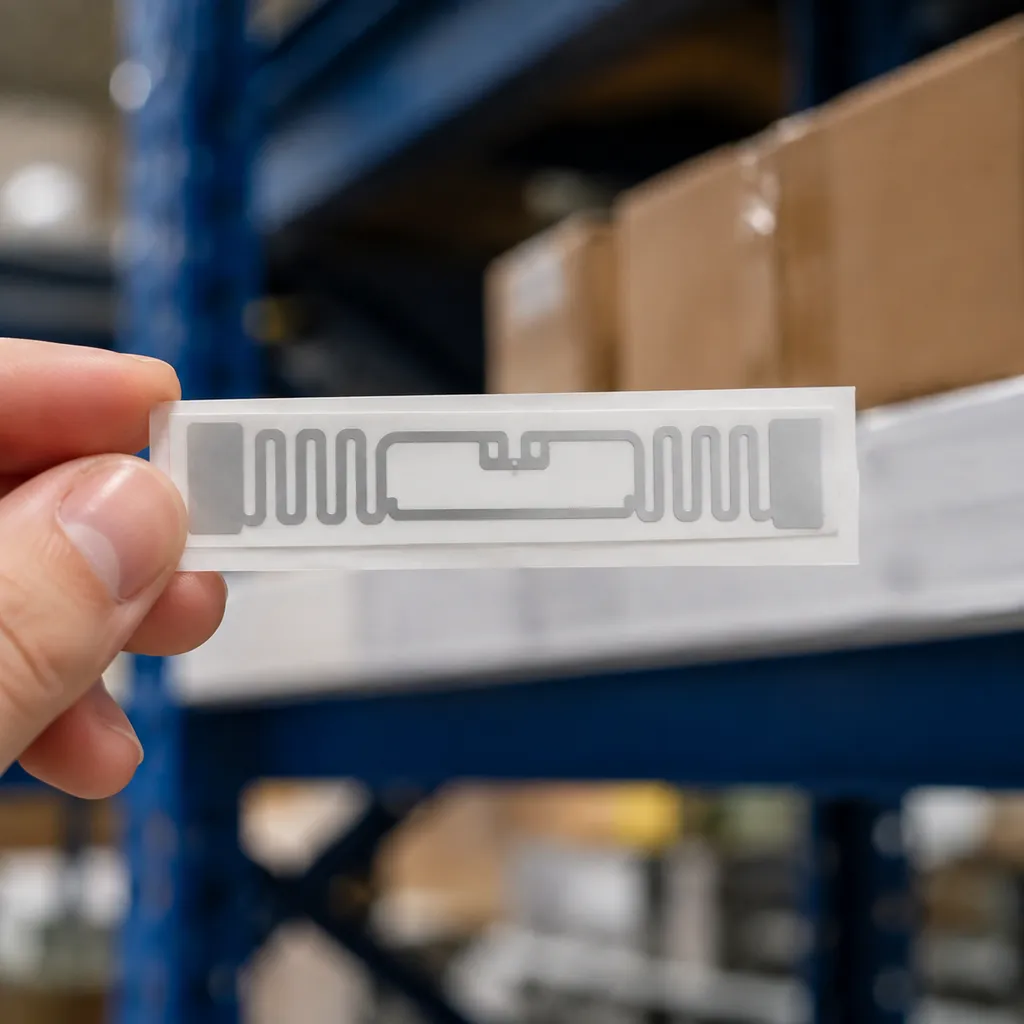
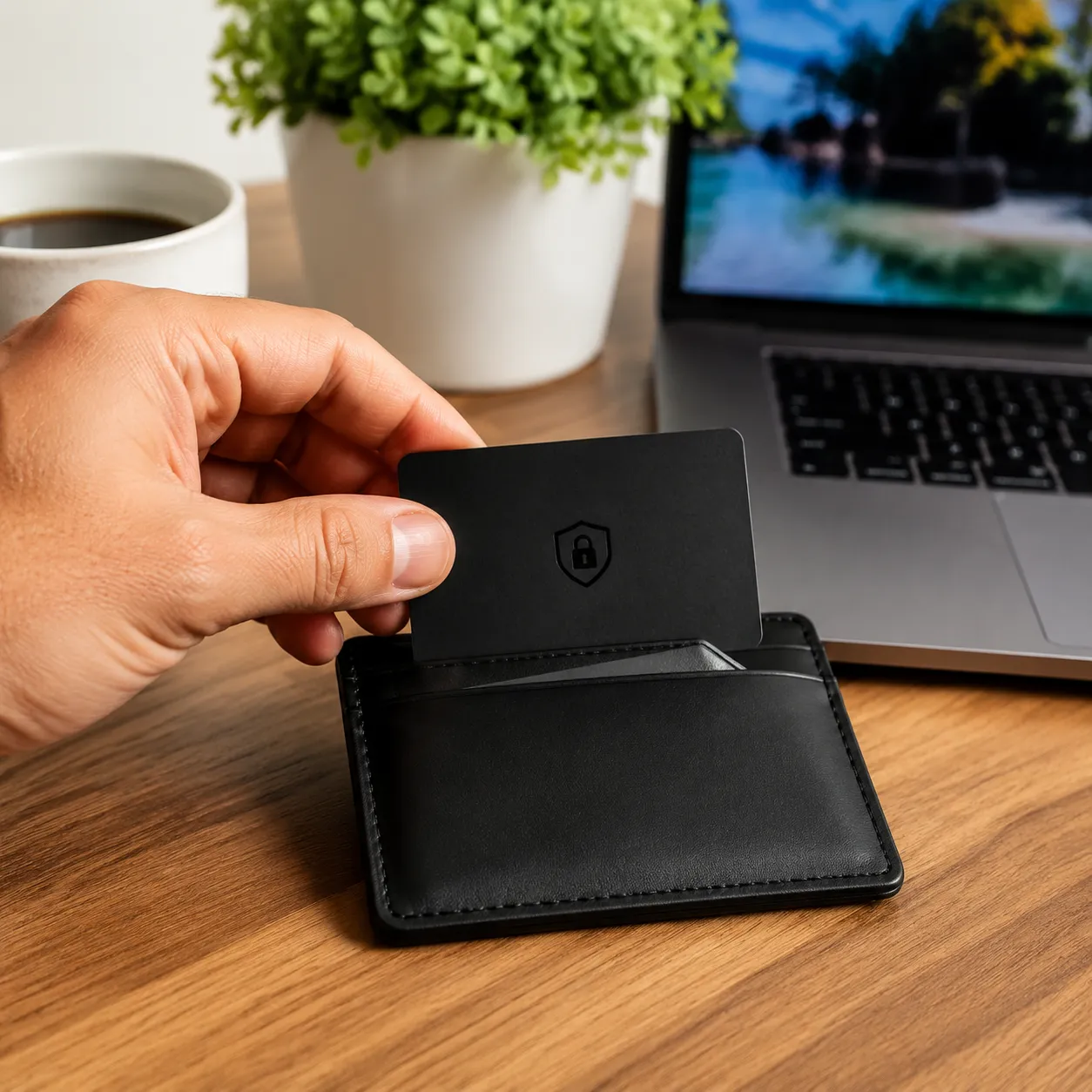
The rfid blocking card clash protector is a CR80 ultra-thin passive shield insert (0.3–0.5 mm) for 13.56 MHz contactless cards. Placed between two cards in one wallet slot, the dual card barrier stops contactless card clash while leaving the front card readable—suited to transit passes, payment cards, and id badge holder layouts. OEM MOQ typically starts at 1,000–3,000 units per artwork version.
Unlike a full-wallet blocker, this insert isolates specific chips rather than shutting down every signal, so an Oyster card or transit pass can stay tappable on one side while cards behind the barrier remain shielded.
The Science Behind RFID Shielding in Your Wallet
Our RFID wallet shield insert absorbs or deflects 13.56 MHz radio frequencies between two contactless cards, forming a dual card barrier that stops smart card clashing without blocking the outer-facing card.
Passive vs. Active Blocking Tech
Two rfid protection rfid blocking card approaches matter for OEM selection—passive signal blocking barriers vs active jamming technology for broader travel security:
| Blocking Type | How It Works | Best Use Case | Battery Required? |
|---|---|---|---|
| Passive Blocking | Uses a physical layer of advanced alloys or aluminum to absorb/deflect the RFID signal. | Targeted stop card clash protection and isolating specific transit cards. | No |
| Active Blocking | Utilizes jamming technology to micro-chip an electronic signal that scrambles the reader. | Full-wallet debit card protection against remote skimming scams. | No (Draws power from the reader) |
For wallet OEM layouts with overlapping contactless cards, passive shielding inserts offer the most reliable balance. They stop electronic pickpocketing and eliminate card confusion while keeping the outer-facing card readable.
Technical Specifications
Our rfid blocking card clash protector is engineered as an ultra-thin wallet insert with dual-sided passive shielding for targeted signal blocking between adjacent contactless cards. Specifications below reflect typical OEM production runs.
| Parameter | Specification |
|---|---|
| Form Factor | 85.5 × 54 mm (CR80 ISO/IEC 7810) — fits standard wallet slots |
| Thickness | 0.3–0.5 mm (ultra-thin dual-sided barrier insert) |
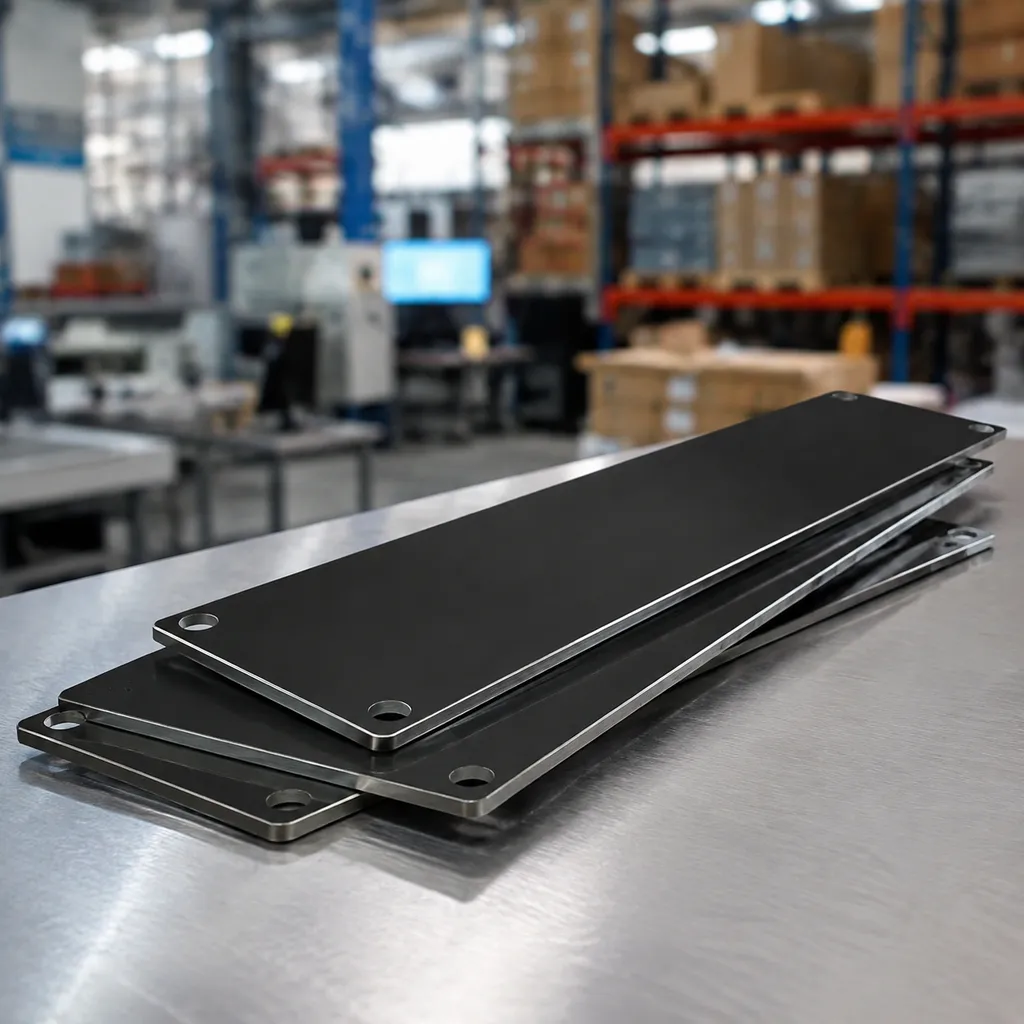
| Core Material | Aluminum alloy / passive shield composite laminate |
| Operating Frequency | 13.56 MHz — ISO14443 Type A/B, NFC payment, transit passes |
| Shielding Mode | Passive dual-sided barrier (isolates cards on each side) |
| Effective Isolation | Typically 1–2 adjacent cards per side when centered in slot |
| Compatibility | Leather billfolds, aluminum cardholder, slim wallets, id badge holder layouts |
| OEM Options | Bare insert, retail blister, or co-branded rfid blocking sleeves kit (one sleeve + one clash barrier) |
| MOQ | Typically 1,000–3,000 units per artwork version (OEM) |
| Lead Time | 10–15 business days after artwork approval (bulk) |
| Weight | Approx. 3–5 g per insert |
Note: Shields 13.56 MHz contactless payment, transit, and ID tags. Low-frequency 125 kHz proximity badges are generally unaffected. For full-wallet jamming technology protection, see our RFID blocking card for wallet.
Why Contactless Card Clash Happens — and What It Costs
When two or more contactless cards share one wallet slot, readers often trigger smart card clashing—multiple chips respond at once and the terminal cannot isolate the correct payment information.
The Real Risks of Signal Interference
- Accidental Double Payments: The card reader might accidentally charge the wrong card, or worse, deduct funds from two different contactless cards simultaneously if you use a dual-card reader system.
- Delayed Barriers and Transit Delays: Tapping a cluttered wallet at a subway turnstile or bus reader often causes delayed barriers. This stalls you and blocks the entire line of commuters behind you.
- Unintentional Overcharging: You might intend to use a specific transit card but end up charging a premium credit card instead, leading to unwanted bank fees.
How Card Readers Process Multiple Chips
| Reader Action | Wallet Condition (No Shield) | Wallet Condition (With Barrier) |
|---|---|---|
| Sends RFID Signal | Activates all chips in range | Activates only the front card |
| Receives Data | Gets scrambled, conflicting data | Gets a clean, single response |
| Result | Card clash error or wrong charge | Fast, successful transaction |
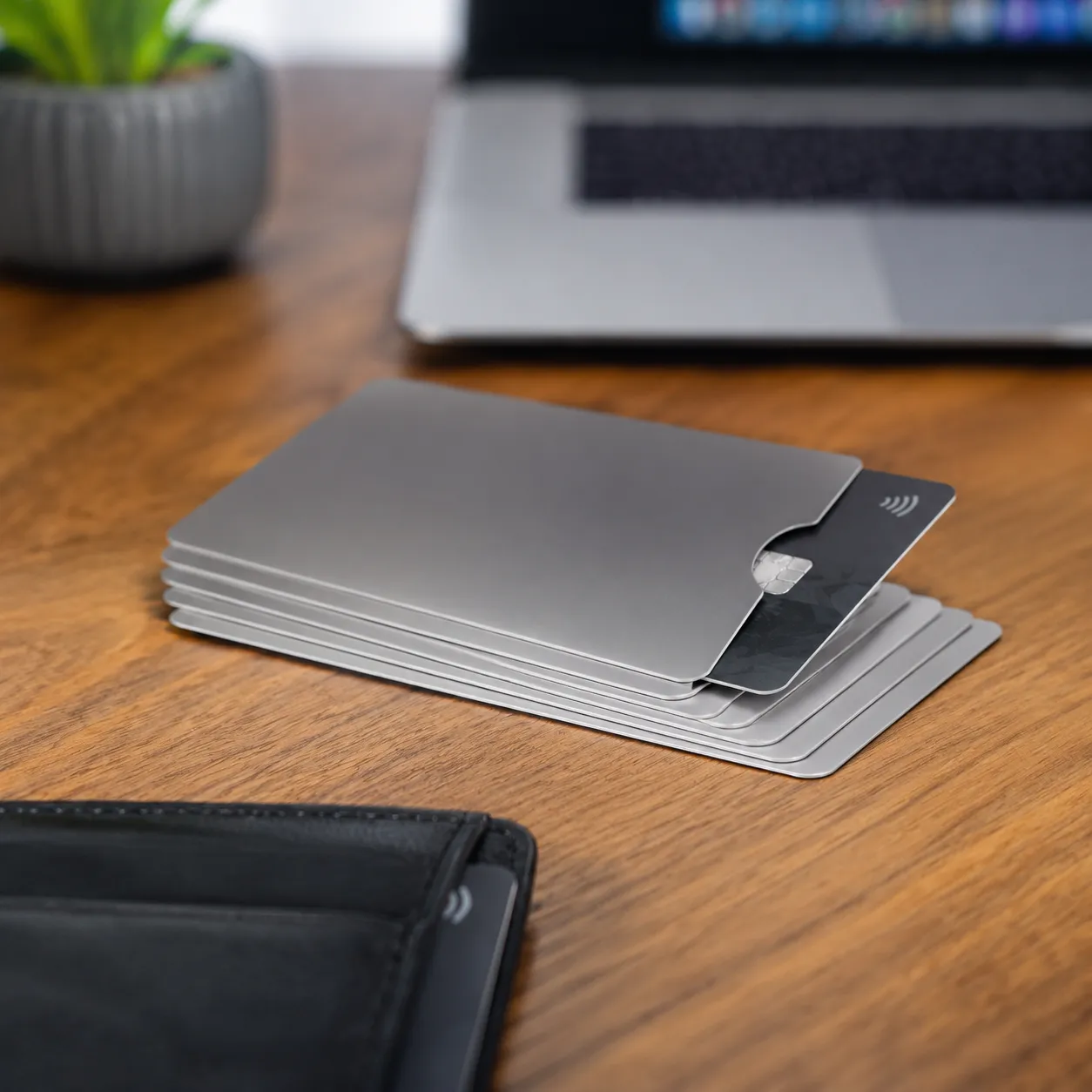
We designed our rfid blocking card clash protector to specifically isolate the single card you want to use, keeping your data secure and your transactions seamless.
Key Features to Look for in an RFID Blocking Card Clash Protector
When we design a high-quality rfid blocking card clash protector, we focus on practical, everyday performance.
Here are the non-negotiable features we build into every RFID wallet shield:
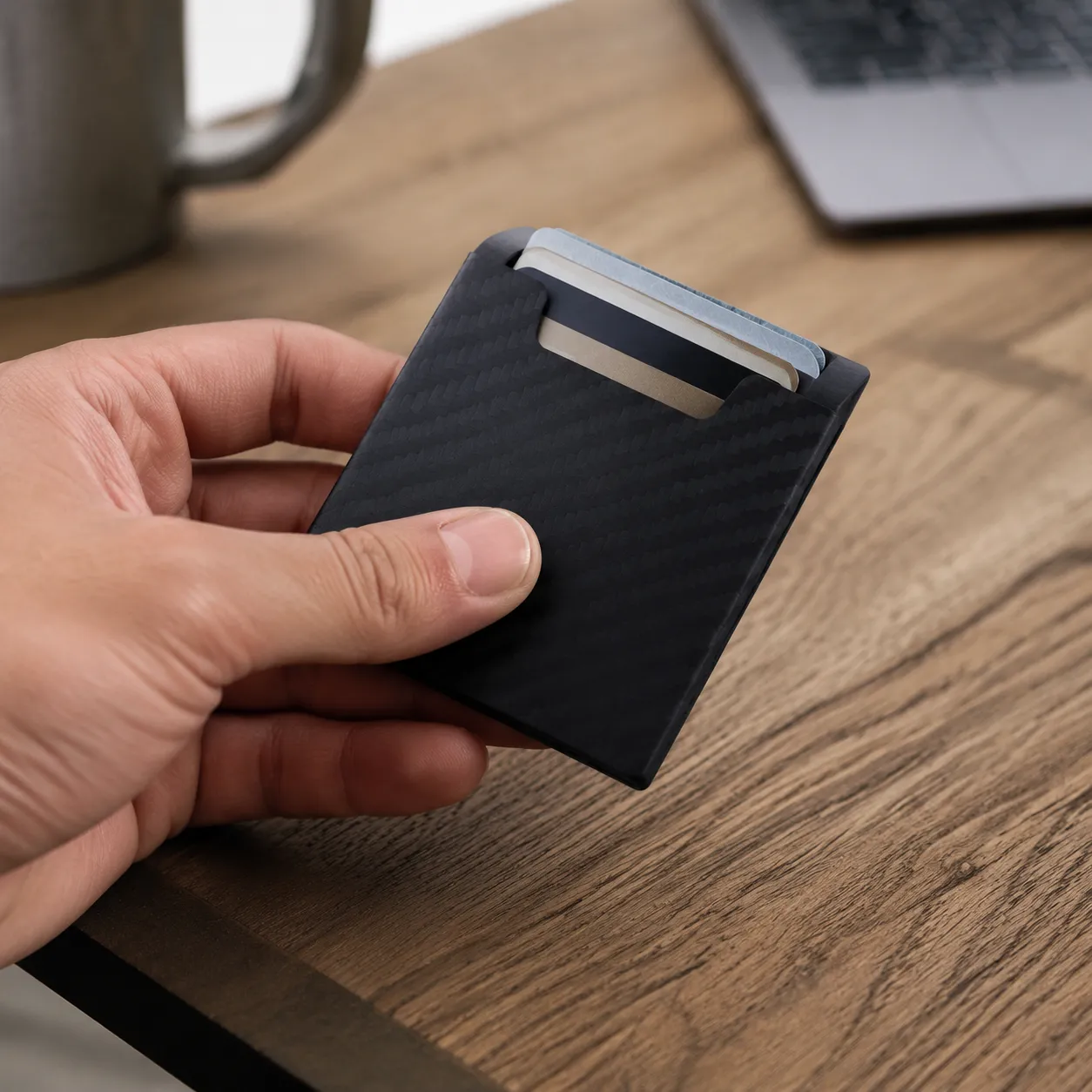
- Ultra-Thin Profile: It must be thin enough to slide into standard wallet slots alongside your existing contactless cards without stretching the leather.
- Dual-Sided Shielding: True smart card clashing protection requires a dual card barrier that isolates specific cards rather than completely shutting down your entire wallet.
- Material Durability: High-grade core composites resist bending and tearing, offering long-term debit card protection from daily wear and tear.
Shielding Specs At a Glance
| Feature | What It Does | Why You Need It |
|---|---|---|
| Ultra-Thin Design | Fits standard credit card slots seamlessly. | No bulky pockets or ruined wallets. |
| Dual-Sided Barrier | Blocks signals on both sides of the card. | Stops signal blocking confusion at the reader. |
| Rugged Core | Resists bending, cracking, and moisture. | Ensures reliable travel security for years. |
Applications & Use Cases
The rfid blocking card clash protector solves a different problem than a full-wallet blocker: it keeps one card readable while shielding neighbors in the same slot. Common deployment scenarios include:
- Daily transit commuters: Isolate an oyster card, TAP card, or metro pass on the wallet exterior while blocking bank cards behind the barrier.
- Corporate ID programs: Pair with an id badge holder layout so building-access badges and payment cards do not clash at turnstiles.
- Retail checkout staff: Prevent accidental charges when personal debit cards sit next to store discount or transit cards in a shared wallet slot.
- International travel: Add a targeted layer of travel security alongside a passport protector sleeve for documents while keeping one transit card tappable in-wallet.
- OEM wallet bundles: Ship clash-protector inserts with slim secure wallet or aluminum cardholder kits as a value-add accessory.
- Loss-prevention retail: Display alongside RFID blocking sleeves for customers who prefer per-card isolation vs. a single wallet insert.
How to Use an RFID Blocking Card Clash Protector Effectively
Buying an RFID blocking card clash protector is only the first step. To stop card clash and keep your payments accurate, you need to use it correctly inside your wallet.
Correct Placement Between Your Contactless Cards
The secret to eliminating smart card clashing is proper layering. This card acts as a dual card barrier, meaning it isolates signals on either side of it.
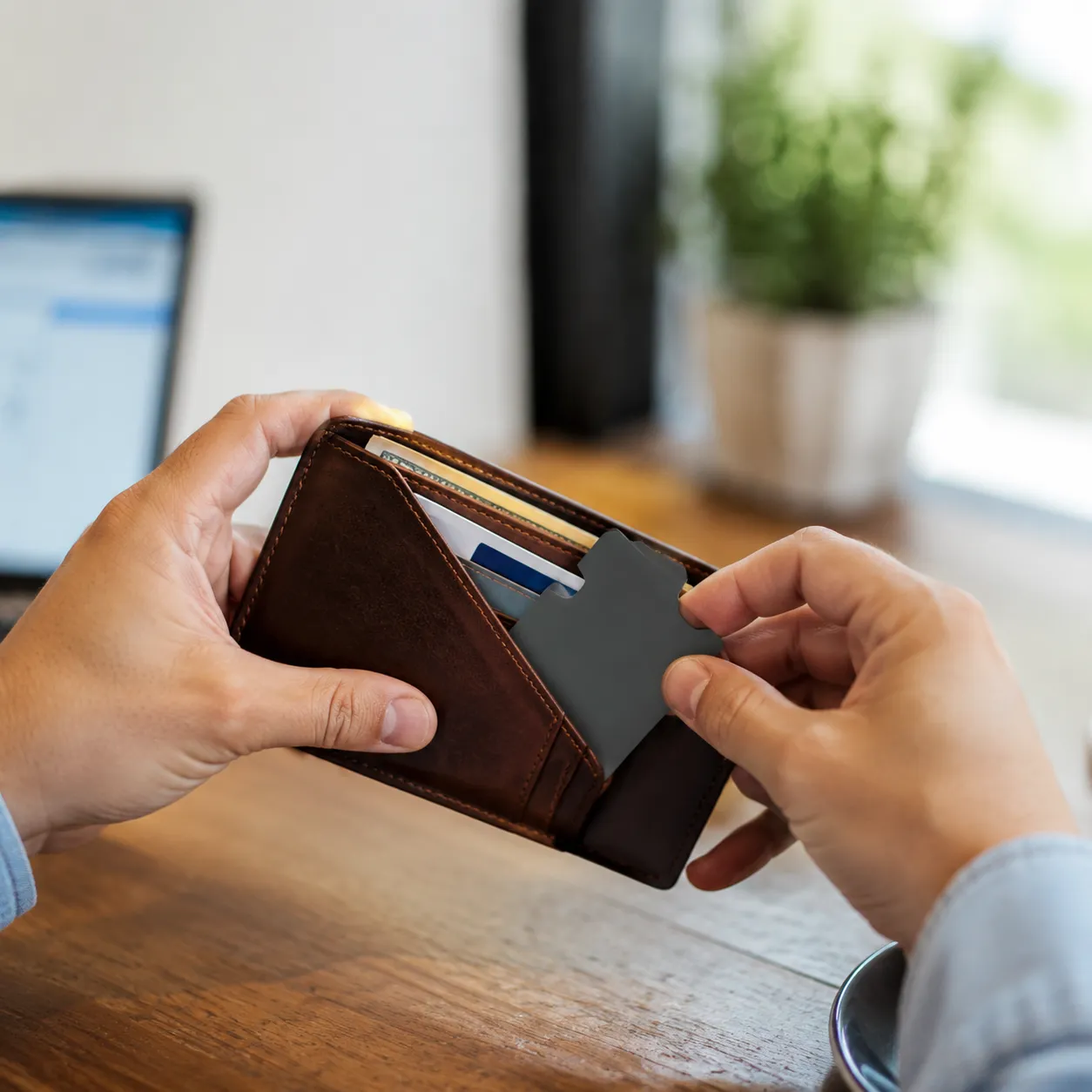
- The Sandwich Method: Place the transit card shield directly between the two conflicting contactless cards.
- Targeted Isolation: If you have a transit card (like an Oyster card) on the left and a debit card on the right, the shield must sit exactly in the middle slot to block the cross-talk.
- Single-Card Tap: Position your primary transit card on the absolute outer facing slot of your wallet, backed by the RFID wallet shield.
Testing Your Setup at the Turnstile or Checkout
Before you head out on your daily commute or hit the grocery store checkout line, do a quick real-world test to ensure your payment information is secure.
| Test Step | Action | Expected Result |
|---|---|---|
| 1. The Transit Tap | Tap your wallet against the subway turnstile using the side facing your transit card. | The barrier opens instantly without reading your bank cards. |
| 2. The Payment Flip | Flip your wallet to the opposite side when paying at a register. | The register reads your debit card without triggering a contactless card clash. |
| 3. The Center Tap | Try tapping the exact edge of the wallet where the shield card sits. | The reader should read nothing, proving the signal blocking is working. |
Common Mistakes That Cause Shielding Failure
If you are still experiencing delayed barriers or double charges, you might be making one of these common mistakes:
- Stacking on the Same Side: Placing two contactless cards in front of the shield card completely defeats the purpose. The reader will still get confused by the overlapping chips.
- Using Too Many Shields: Overcrowding your wallet with multiple RFID blocking sleeves or layers can block the signal you actually want to use. One dedicated rfid blocking card protector in the center is all it takes.
- Overstuffing the Wallet: Jamming coins, keys, or foil wrappers near the shield can warp the card or create gaps, allowing signals to bleed around the edges. Keep the slots flat for maximum debit card protection.
RFID Blocking Card vs Clash Protector: Which Do You Need?
When you are trying to stop card clash and protect your data, you generally have two choices: a full-wallet RFID blocking card or a targeted slot card protector. We design both, but they serve completely different daily needs.
Wallet-Wide Blocks vs. Targeted Slot Protection
- RFID Blocking Cards: These look just like a standard credit card. You place one inside your wallet, and it uses jamming technology or passive shields to protect the entire wallet from electronic pickpocketing and skimming scams.
- Card Clash Protectors: These are ultra-thin dual card barriers designed to place between two specific contactless cards. They isolate the signals so you can scan your transit card without interference, while keeping your nearby credit cards invisible to the reader.
Commuters vs. Travelers: Best Use Cases
| User Profile | Best Choice | Why It Works |
|---|---|---|
| Daily Commuter (Subways, Transit, Office ID Badges) | RFID Blocking Card Clash Protector | It allows you to tap your Oyster card, TAP card, or id badge holder on one side while completely blocking the debit card protection slot on the other side. No more delayed turnstiles. |
| Frequent Traveler (Airports, Hotels, Crowded Streets) | Full RFID Wallet Shield / Blocking Card | Maximizes travel security by shutting down all signals. It prevents thieves from stealing your payment information via data theft while walking through crowded terminals. |
Clash Protector vs RFID Blocking Sleeves
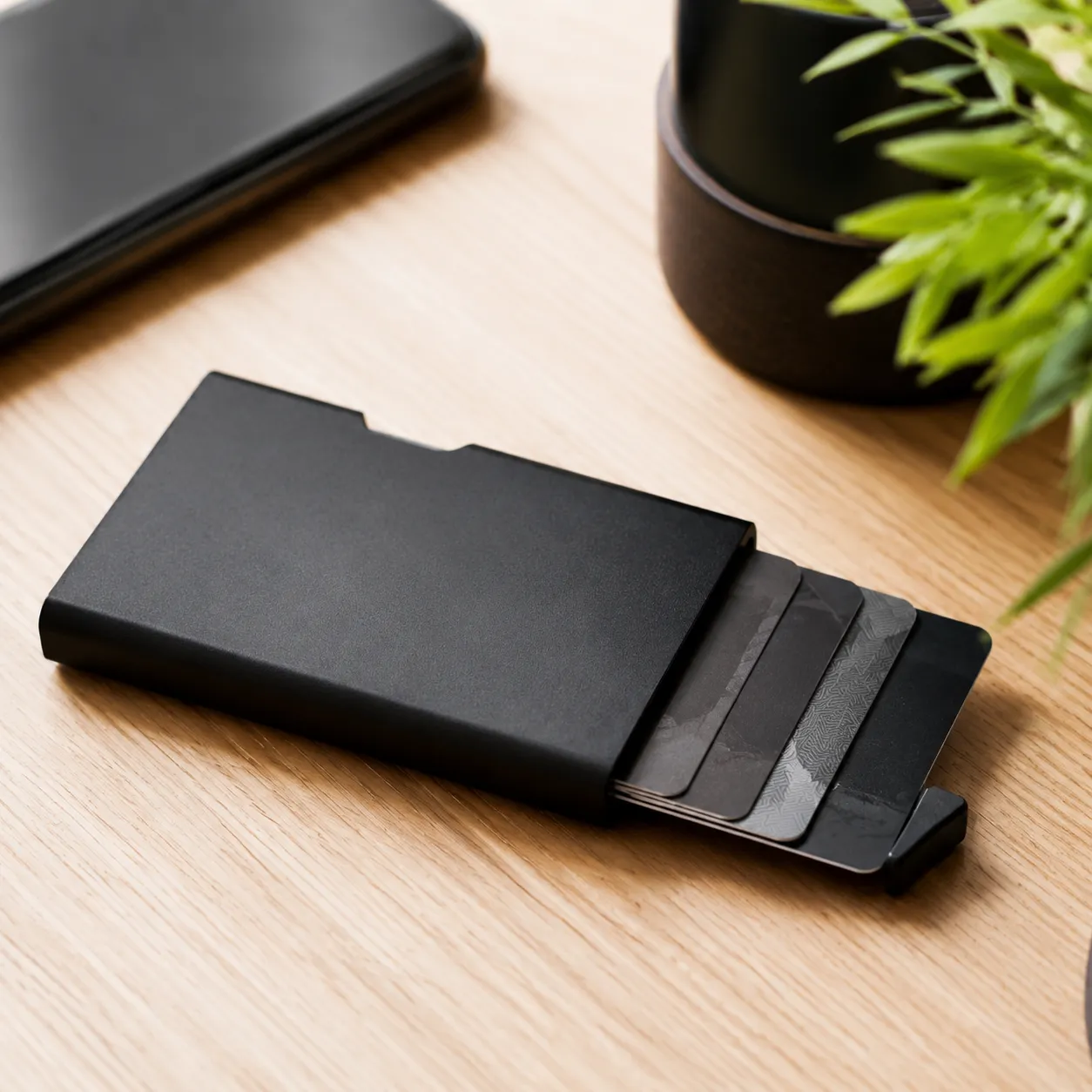
Many buyers compare a single wallet insert with individual rfid blocking sleeves or a passport protector sleeve. The difference is scope:
| Method | What It Solves | Trade-off |
|---|---|---|
| RFID blocking sleeves (per card) | Isolates one card at a time; good when every card needs its own signal blocking pocket | You must remove the card from the sleeve to tap — slower at turnstiles |
| Clash protector insert | Stops smart card clashing between two cards in the same wallet slot while leaving the front card tappable | Requires correct sandwich placement — see How to Use above |
| Full-wallet blocking card | Broad debit card protection against data theft and remote reads | Blocks transit cards too unless removed from wallet |
For commuters who tap an oyster card daily, the clash protector targets the exact overlap problem without wrapping every card. For travel kits, OEM bundles often pair one clash insert with branded sleeves for passports and backup cards.
Pros and Cons of Each Method
Full-Wallet RFID Blocking Cards
- Pros: Total signal blocking for your entire wallet; no need to buy separate rfid blocking sleeves for every card; fits easily into a standard aluminum cardholder or leather billfold.
- Cons: Over-protects everything. If you try to scan a transit pass, it will block that too, forcing you to take the card completely out of your wallet.
Targeted Card Clash Protectors
- Pros: Excellent contactless payment protection that eliminates smart card clashing; keeps your secure wallet functional so you can tap-and-go instantly.
- Cons: Requires precise placement inside your wallet slots to ensure the rfid signal blocker is directly between the two conflicting chips.
Ordering Information & Lead Times
We support OEM runs of the rfid blocking card clash protector from sample approval through bulk fulfillment. Share your quantity target, packaging preference, and any co-brand artwork to receive a formal quote.
- Artwork submission: Vector AI/EPS/PDF for logo print on card face or sleeve packaging — include Pantone references if applicable.
- Sample proof: Pre-production shield insert sample (typically 3–5 business days).
- Bulk production: MOQ typically starts at 1,000–3,000 pieces per artwork version; mixed SKUs available on request.
- Packaging: Bulk poly bags, retail blister packs, or co-branded card sleeves for transit-retail bundles.
- Shipping: FOB factory; express air or sea freight to US/EU destinations.
Request a quote with quantity, shield type (passive barrier vs. active jamming companion), and packaging requirements for MOQ-confirmed pricing and lead times.
FAQs About RFID Blocking and Card Clash
Can a clash protector damage my credit card magnetic strip?
No. An rfid blocking card clash protector uses passive shielding or signal disruption tech that only interacts with radio frequencies. It does not contain magnets, so it will never demagnetize your credit cards, debit cards, or transit passes. Your magnetic strips and EMV chips are completely safe.
Do I need one if my wallet already has RFID blocking?
Yes, if you want to scan a specific transit card without opening your wallet. A standard RFID wallet shield blocks everything inside at once. If you try to tap your wallet at a subway turnstile, nothing will scan. A targeted rfid blocking card protector lets you isolate a single oyster card or work ID, blocking the cards behind it while letting the front card scan seamlessly to stop card clash.
Will it stop transit cards from working entirely or just isolate them?
It simply isolates them. By placing the shield card directly between two contactless cards, you create a dual card barrier. This blocks the signal on one side to stop smart card clashing while allowing the card on the outside facing the reader to function normally. It gives you total control over which card transmits payment information.
Should I use a clash protector or individual RFID blocking sleeves?
Use rfid blocking sleeves when each card needs its own sealed pocket — for example a passport protector or a backup card you rarely tap. Use a rfid blocking card clash protector when two contactless cards share one wallet slot and you still want to tap one in-wallet at a turnstile or checkout. Many OEM programs ship both: sleeves for documents and a clash insert for the daily carry slot.
How long do RFID blocking cards last?
With durable, high-grade internal shielding cores, they last for years. Passive cards don't use batteries, so they won't run out of power. As long as the card isn't snapped in half or deeply punctured, your contactless payment protection remains 100% effective against electronic pickpocketing and accidental double charges.